
Purpose
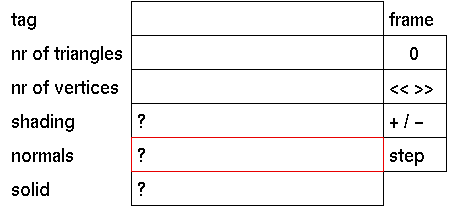
To display or select the normals mode for the polygons in the currently active solid only.
Usage
Click the input box to toggle between flipped or not flipped. The following prompt will appear:
Flip normals (y/n) down tree?
In response to this prompt enter 'y' if you want the normals to be flipped or enter 'n ' if you do not want this.
Comments
This input box will only display information when the currently active solid is a polygonal object.
You may want to flip the normals of an object when you want to render the inside of a polygonal object. However flipped normals can give undesired results when rendering polygons in smooth shaded mode.




