

Usage
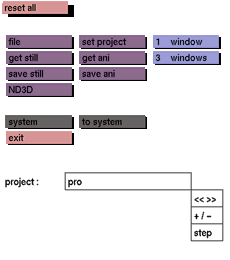
Click the reset all button to activate it. In the status area the following prompt will appear:
are you sure?

In response to this prompt, type y if you want to reset everything, type n if you do not. Confirm by pressing <enter>.
Comments
This button effectively stops the GIG program and starts it again. Be certain to save all files that will be needed later before clicking reset all.



