
Usage
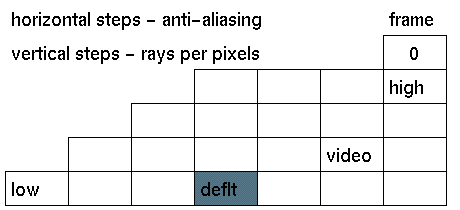
Click the data input box representing the quality level you want to activate.
Comments
The left-right position determines the end resolution for the pixel sampler. This is also called the anti-aliasing factor or sub pixel level. The up-down position determines the start resolution. This is also called super pixel level. Depending on how detailed the model is, the raytracer finds more or less samples according to the start and end resolution settings.


