
Usage
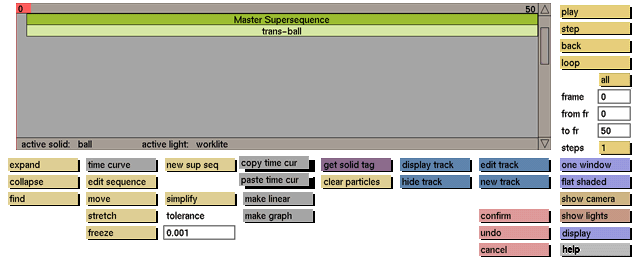
Click the copy/paste time cur toggle button to activate it.
While the toggle button is active, click the primitive sequence whose time curve you wish to copy. Then click the paste time cur toggle button to activate it and click the primitive sequence to which you want to copy the time curve
Comments
Only the time curve data from the last primitive sequence that was clicked will be copied. The copied time curve information can be pasted into as many other (primitive) sequences as required. Any time curve data that was present before the new time curve was pasted into it, will be lost. undo will restore the previous time curve if no other function has been selected yet. The original time curve data and the time curve data copy that has been pasted are not related; changing one of them will not influence the other.


