
Usage
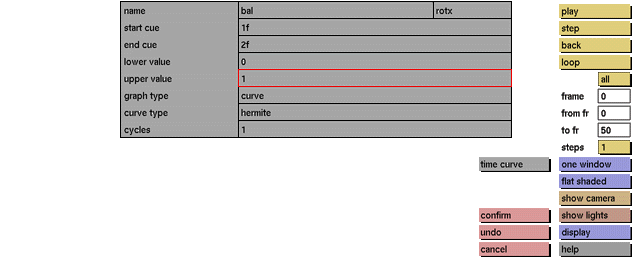
Click the upper value data input box to activate it (red outline). Next the following prompt will be displayed:

In response to this prompt enter the required upper value for the currently active sequence. Press <enter> to confirm.
Comments
maximum value of any of the control points on the time curve for the currently active sequence. If you enter an upper value that is smaller than the lower value, an error message will be displayed.
See also
lower value, start cue, end cue, name


