
Usage
If rendered images are converted to video, parts of them may not be visible
on a normal TV set due the standards of video.
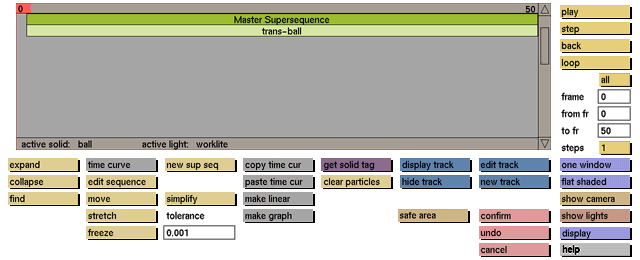
Safe area helps you to define safety frames in which text and object movements must occur to prevent these objects from going offscreen. The first rectangle is a 90box of the normal camera window and is used as safe area for moving objects.
The second rectangle is a 80box which is the standard safety area for text elements.
Comments
This new button can be found in the camera and animation menu.


