GIG reference manual

the camera menu

____________________________________________________________________________________

Section contents

Introduction

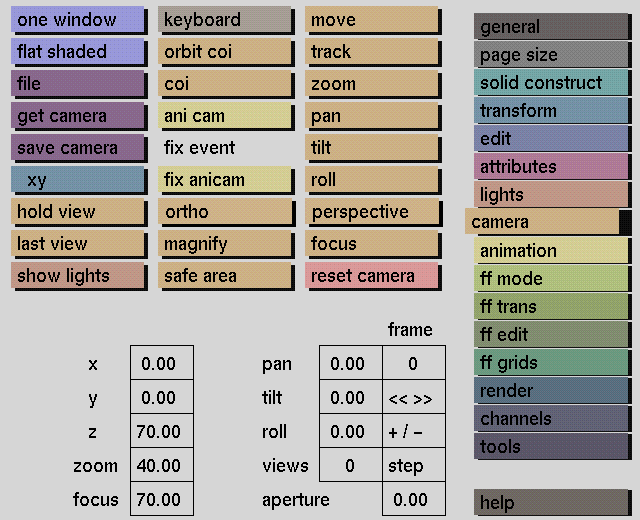
The camera menu is used to define camera settings and change the viewpoint for viewing your model. The functions of this menu make it possible to look at your model from any required angle, from close-up to far away.

In the camera menu, camera views can be altered using:

move, track, x, y, z, orbit coi for changing the position of the camera
pan, tilt, roll, coi, orbit coi for changing the orientation of the camera
zoom for changing the zoom factor of the camera
focus and aperture for simulating depth of field when rendering

The camera can be animated using ani cam in combination with fix event.

Particularly for modeling purposes, no persp(ective) and magnify will prove to be useful aids in checking whether objects coincide in a vertical or horizontal plane, or in constructing small details.

