
Usage
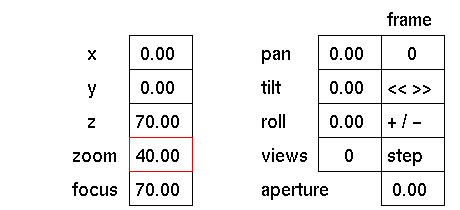
Click the zoom input box to activate it (red outline). The following prompt will appear:

In response to this prompt you can now type the new value for the zoom angle. Press <Enter> or click the left mouse button to confirm.
Comments
The entered values are absolute. The value you type will be the value assigned.
See also
zoom



