
Usage
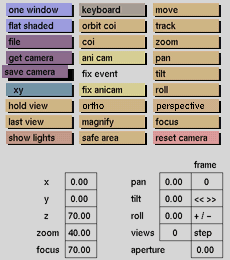
Click the save camera button to activate it. The selection submenu will be displayed where you can make your selection.
Comments
See the general menu section for the usage of the selection submenu.
All 3 cameras will be saved. If ani cam is active its settings are saved instead.
See also
file, save camera



