
Usage
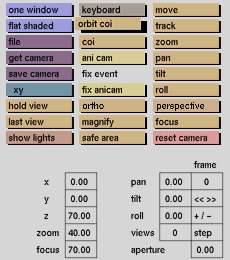
Click the orbit coi button to activate it. By holding the middle mouse button down while moving the mouse up or down, the camera will rotate vertically around the center of interest. Moving the mouse to the left or right will rotate the camera horizontally around the center of interest.
Pressing the right mouse button will bring the camera back to the previous position before orbit coi was selected.
Comments
The center of interest for the camera can be changed with the coi button.
This funciton is useful for creating stereo images when used in combination with keyboard.



