
Usage
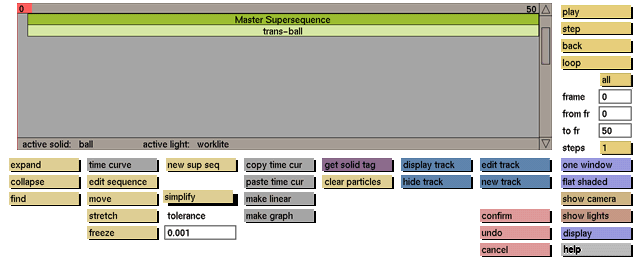
simplify can be found in the main animation menu and in the time curve submenu.
simplify in main animation menu:
After selecting simplify in the main menu, click on a sequence bar to reduce the number of points for all linked time curve(s).
undo cannot be used when selecting (super) sequences, so use cancel instead.
simplify in time curve sub menu:
After selecting simplify the number of points for the time curve will be reduced.
undo can be used to return to the previous state.
tolerance:
The lower the tolerance the more accurate the shape of the curve will be after simplifying.
Default tolerance: 0.001.
Use values between 0 and 1.
Example: When using a tolerance of 0.1, more points will be removed, but the shape of the time curve can change considerably.


