
Usage
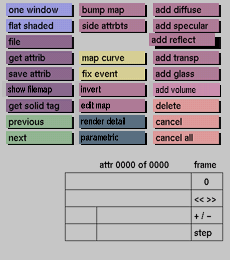
Click the add reflect button to activate it. A reflective attribute
will be
added and displayed in the attributes data input box as the currently
active attribute.
Comments
The reflective attribute consists of reflection intensity and reflection
color. The reflective attribute determines to which degree an object
reflects (mirrors) the environment and environment map. It is possible
to
add more than one reflective attribute. The final result will be
the
addition of all reflective attributes. If you wish to modify an existing
reflective attribute, use the previous and next buttons to make the
attribute current and click the appropriate box to activate that
box. You
can than enter the new value.
See also
reflection input boxes


