
Usage
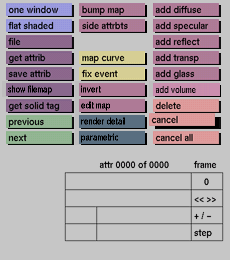
Click the cancel button to activate it. The following prompt will
appear in
the status area:
are you sure? (y/n)

In response to this prompt, type y(es) if you want to delete attributes
at
the currently active node of the tree, type n(o) if you do not want
to do
this. Press <enter> to confirm.
Comments
Be careful with the cancel button. All attributes that are contained
at
that node of the tree will be completely removed. It is recommended
to save
the sets of attributes before using cancel.
See also
delete, cancel all


