
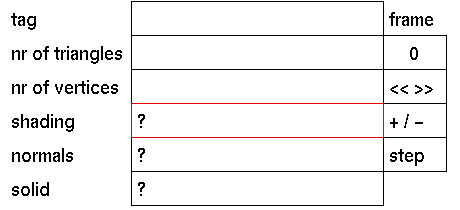
Purpose
To select the shading mode for all polygons in the active part of the tree.
Using shading
First select the part of the tree from which you want to change the shading mode of the polygons. Then click the shading input box to activate it. The following prompt will appear:
Change shading down tree to (s)mooth or (f)lat ?
In response to this prompt enter 's' if you want the polygons in the active part of the tree to be rendered smooth shaded, or enter 'f ' if you want the polygons to be rendered flat shaded.
Comments
In smooth shading mode, the edges between the polygons will be rendered smooth.
When nodes of the active part of the tree have different settings for shading a "?" will be displayed.
All polygons in the active part of the tree will be changed to the new setting.




