
Purpose
To select between hollow or solid polygonal objects.
Usage
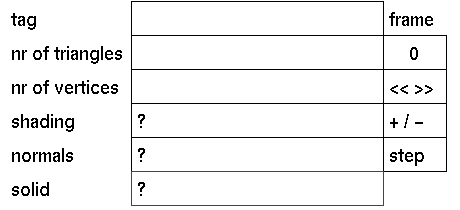
First select the part of the tree for which you want to change the solid mode. Then click the solid input box to activate it. The following prompt will appear:
Make solid (y/n) down tree?
In response to this prompt enter 'y' if you want the polygonal object to be solid or enter 'n ' if you want the polygonal object to be hollow.
Comments
When combining solid polygonal objects with other solids using Boolean operations, the result will be different then when using a non solid polygonal object.
Example:
When rendering a primitive cylinder subtracted from a solid polygonal object, through the hole created by the cylinder it can be seen that the polygonal object is solid from the inside.
When nodes of the active part of the tree have different settings for solid a "?" will be displayed.




