
Purpose
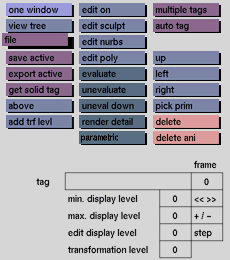
Data that is saved with the file toggle button activated is stored on the hard disk permanently and remains stored when the computer is switched off or there is a power breakdown. Data recalled with file activated is retrieved from the hard disk.
Usage
Click the file toggle button to activate it. Click again to deactivate.
Comments
Data saved with the file toggle button deactivated will be transferred to temporary storage. All data in temporary storage will be lost if you exit the program, or if there is a power breakdown or hardware failure. Be certain to have file activated if you want to save data permanently on the hard disk. The default setting of the file toggle button is active.


