
Purpose
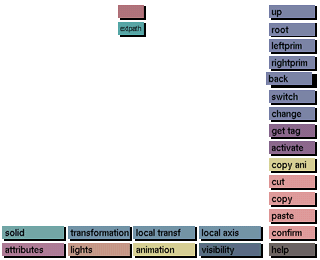
To go back one step to the previous state of the view tree function.
Usage
Click the back button to activate it.
Comments
As soon as the function is selected, you will be returned to the last state of the CSG tree which was displayed. The view tree keeps track of the last fifty actions the user performed. Clicking back will take you back one action at a time until the last action has been reached. If no actions were performed after entering the view tree submenu, this button will have no effect.
This function only works for the display of the CSG tree, it does not undo any editing functions performed (e.g.: cut, copy and paste).




