
Purpose
To copy animation's with corresponding tag names from one object to another. With this function, the animation's converted from Life Forms can easily be copied to other objects within GIG.
Usage
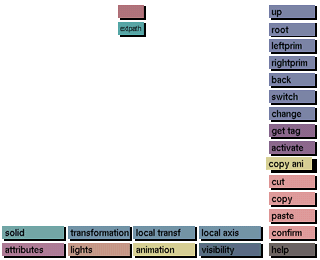
After clicking on copy ani, select a tag name from which all the animation's in the object need to be copied. Then select the tag name of the object to copy the animation's to. All animation's with tag names from the first selected object that correspond with tag names in the second selected object will be copied.
Comments
After importing an animation created with Life Forms, the Life Forms skeleton will automatically be constructed in 3DGO using transformed balls. Each animated joint in the skeleton will have a unique tag name.
In 3DGO it is now possible to redesign the skeleton to create the desired object (e.g. converting the balls to Sculptor Primitives and adding new Sculptor primitives). By leaving the original tag names for the animated joints in this redesigned object unchanged, it is now possible to import a new animation from Life Forms. This new animated skeleton from Life Forms will be grouped to the existing object. The animation's of the new imported skeleton can now be copied to the existing redesigned object using copy ani.
If the first selected object contains tag names which do not exist in the second selected object, animation's with those tags will not be copied.
See also
get life forms.




