
Purpose
To select the type of editing function.
Usage
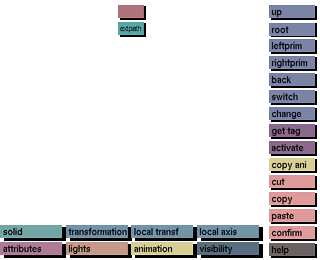
The type of edit function to be cut, copied or pasted can be selected by clicking on the corresponding button at the bottom of the screen. The available edit functions are:
solid, trans, local trans, local axis, attrib, lights, animation or visibility.
Comments
Nodes containing the selected edit function will be highlighted in the view tree with the same color as the edit function buttons.
Example:
When attributes has been activated, all nodes containing attributes will be displayed in the same color as the attributes button.
See also:
cut, copy, paste




