
Usage
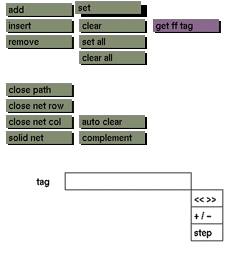
Click the set button to activate it. Then click a control point if the current mode is a point mode, or click the connecting line if the current mode is a path mode.
Comments
The set button will remain active until another button is clicked or another menu is selected. This allows you to activate multiple points without clicking the button again and again. The main function of this button is to enable the selection of points and/or paths for joint manipulation instead of individual selection and repetitive manipulation actions. Any points selection can be tagged (even a selection of one point). Different tags can share control points or paths.
See also
clear, set all, clear all


