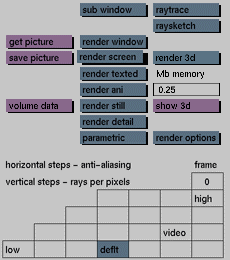
render menu

render screen


Purpose
To render the whole active window in full-screen mode when the sub window toggle button is deactivated. To render the area defined as a sub window within the active window in full-screen mode when the sub window toggle button is active.

Usage
Click the render screen button to activate it.

Comments
To stop the current rendering and return to the render menu, hold down <Shift> and press <!>. See render window for more information.

See also
How to speed up rendering, sub window, render window