

Usage
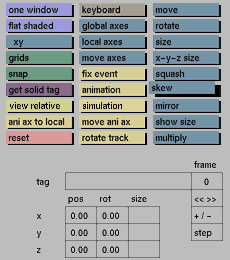
Click the skew button to activate it. By holding the middle mouse button down while moving the mouse, the currently active part of the tree will be skewed along the three axes, while keeping the volume constant, until you press the left mouse button (right mouse button will cancel the last transformation). If the keyboard toggle button is active, you must enter numerical values to perform the skewing. You will then see the following prompt in the status area:
xy?

In response to this prompt, enter the required factor for pulling the x axis towards the y axis, or press <Enter> if you do not want to skew in this direction.
Additional prompts and corresponding skew directions are:
xz? (x towards z)
yx? (y towards x)
yz? (y towards z)
zy? (z towards y)
zx? (z towards x)
The factor to be entered is calculated as follows:
a.b = factor
where a represents the position on the axis to be pulled, and b the position on the axis towards which a is pulled.
Comments
When no axis is active, transformations are relative to the current window.
When global or local axis is active, transformations are relative to the corresponding axis:
to rotate around the y and z axis, activate cam1
to rotate around the x and y axis, activate cam2
to rotate around the z and x axis, activate cam3
The skew function works best when performing the transformation with the mouse.
See also
move, rotate, size, x-y-z-size, squash, mirror, reset


