
Preparation
Before an obj file can be converted using
get obj,
the obj file must be placed in the intlib directory of the active
project and must have the extension '.obj' (in lower case).
To move or copy the obj file to the right directory:
Examples:
To move an obj file to the 'intlib' directory of the active project, type in:
mv name.obj $LD <enter>In this example the obj file name.obj is moved to the 'intlib' directory of the active project.
To copy an obj file to the 'intlib' directory of a specific project,
type in:
cp name.obj ~gig/projects/demo_prj/intlib <enter>In this example the file name.obj is copied to the intlib directory of the project demo.
After the obj file is placed in the intlib directory, type in the
following UNIX command to return to the GIG interface:
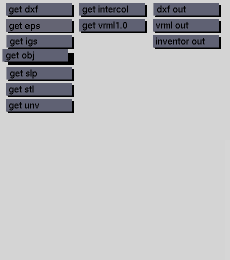
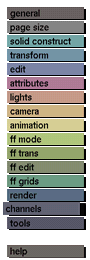
exit <enter>The obj file can now be converted using get obj in the channels menu.
Usage
Click the get obj button to
activate the obj converter.
Comments
Only the polygon objects in OBJ files will be converted. The tag names
that were used for these objects will re-appear in the GIG model.
See also
GIG Directory Structure in Appendix B; edit poly,
confile.


