
Usage
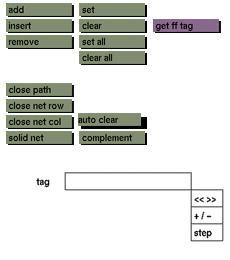
Click the auto clear toggle button to activate it. Click the toggle button again to deactivate.
Comments
While this toggle button is active, a selected control point or path of control points will become deactivated after a transformation has been applied to it. A new selection of a point or path can be clicked and transformed. Upon completion of the transformation, this selection again will be deactivated automatically. If this toggle button is not active, selections will not be deactivated automatically, and new selections will be added to the current selection rather than becoming the new selection.
See also
set, clear, set all, clear all.


