
Usage
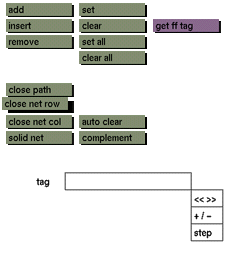
Click the close net row toggle button to activate it. Click the toggle button again to deactivate.
Comments
This toggle button is visible only when point in net, path in net, or net mode is active. Activation of the toggle button closes and deactivation opens the paths making up the rows of the current net. If you activate the close net row toggle button, the current mode will automatically switch to path in net mode. A row refers to a path that runs through the net horizontally when the net is in the default position. Normally a net is a thin sheet, but by closing either the rows or columns, a ring or band is formed. By closing both the rows and the columns, a three dimensional shape is made that has volume.
See also
close path, close net col, solid net, point in net, path in net, net


