
Usage
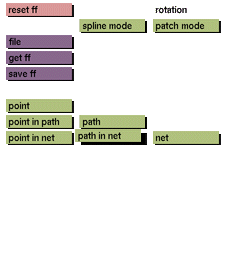
Click the path in net toggle button to activate it.
The path in net toggle button cannot be deactivated by clicking it again. One of the following has to be selected in order to deactivate path in net: point, point in path, point in net, path, or net.
Comments
This toggle button applies to free form type patch. When this mode is active you can manipulate the individual paths that together constitute a net. (Also refer to path). To do so, access the ff transform menu. Upon selecting a transformation option (e.g., move), a path can be selected for manipulation. To select single path, click on the path between the control points. Clicking a control point will activate the two paths running through the control point for manipulation.
See also
point, point in path, point in net, path, net


