
Usage
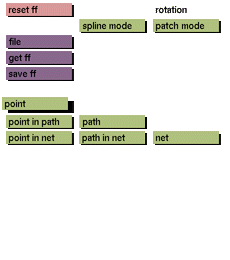
Click the point toggle button to activate it.
The point toggle button cannot be deactivated by clicking the toggle again. One of the following has to be selected in order to deactivate point: point in path, point in net, path, path in net, or net.
Comments
By using multiply and subsequent transformations you can shape your own path from scratch, the position of the pointer being the first point in the path. You can use this path as your basis for extrusion and rotation. By using multiply and subsequent transformations on the path just created, you can build a net (the original path being the first path in the net).
See also
point in path, path, point in net, path in net, net


