
Usage
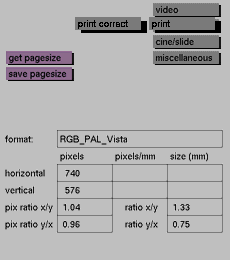
This button can be activated only when the print button (print page size library) is selected first. Click the print correct button to activate
it.
Click again to deactivate it.
Comments
This button is used to correct a rgb color image displayed on screen
when
so that the result, when printed (with cmyk), will resemble the original
image on the screen.


