

Usage
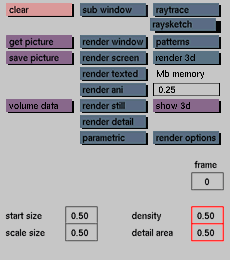
Click the density input box to activate it. Enter a value between 0 and 1 to
set the density for the raysketcher, then press <enter>.
Click the detail area input box to activate it. Enter a value between 0 and 1
to set the size for detail rendering, then press <enter>.
Comments
density will determine how long the raysketcher will continue rendering after activating it.
detail will determine the size of the area to be rendered after selecting render detail.
The default setting for both input boxes is 0.5.
See also
start size, scale size


