

Usage
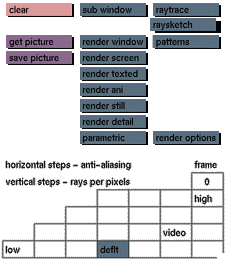
Click the raysketch button to activate it. The following buttons will be added
to the render menu: clear and patterns. The resolution data input box will be replaced by the following data input boxes: start size, scale size; density, detail area.
Click on raytrace to deactivate the raysketcher.
Comments
With raysketch active, render window and render detail will render the image
using the selected pattern of the raysketcher.
The render detail button will be displayed in the render menu as well as in the
edit and attributes menus at all times.
See also
patterns


