
Usage
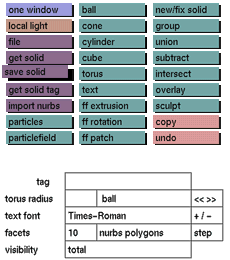
Click the save solid button to activate it. The selection submenu
will then
be displayed from which you can make your selection.
Comments
save solid does not save animation data or camera positions. To save
complete environments with or without animation elements, use save ani/save still. To save only the active part of the environment, use save active in
the edit menu.
See also
get solid, save active, save still, save ani, file


