GIG reference manual
the solid construct menu
____________________________________________________________________________________

Introduction
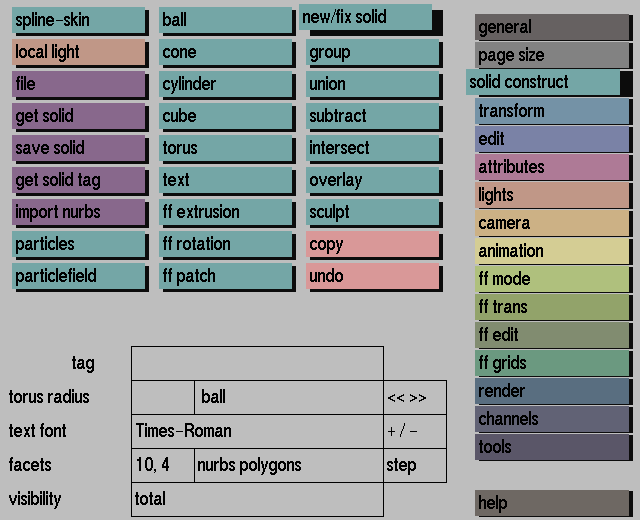
The solid construct menu is the place where all solid modeling starts.
Here
you will find the elementary 'building blocks' for constructing your
models:
The following optional advanced 'building blocks' may also appear
in the interface:
To combine these building blocks and to get the required modeling
result, the solid construct menu provides several construction tools:
When using sculptor, the following advanced construction tools will
also appear in the interface:
For detailed information on these construction tools, refer to
the respective pages in this section or tools menu.
Furthermore, solid construct contains options for saving and retrieving
solids, for changing the number of facets to accurately display the
representations on the screen for selecting required text fonts, for changing the radius of a torus, for creating copies of solids, for setting the visibility mode for solids, and for setting the NURBS display mode.


