Usage
Click the cone button to activate it. The cone will appear with its center at the absolute origin.
Comments
The way in which the cone is added to the environment depends on
which of
the following toggle buttons is active: new/fix solid, group, union,
subtract, intersect or overlay. See ball for example.
The local axes' origin of the cone will be at the tip of the cone.
The
radius of a cone is one unit, the height is one unit as well. A cone
can
have two side attributes.
Remember, if you introduce a new solid you should give it a tag in
the tag
input box in the status area.
See also
undo, new/fix solid, group, union, subtract, intersect, overlay
Example
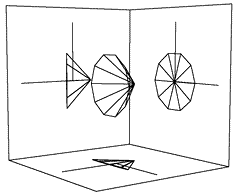
a cone

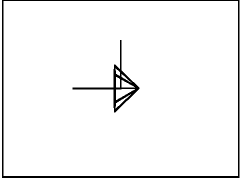
A cone as seen from the side, the front and the top