
Usage
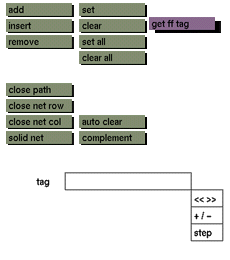
Click the get ff tag button to activate it. The selection submenu will appear where you can select the required tag or combination of tags. Then click to confirm or cancel the selection and to switch to the free form edit menu.
Comments
Any number of tags can be selected with get ff tag, but remember that if points or paths are already active before clicking get ff tag, they will remain active and cannot be deactivated in the selection submenu. To deactivate all points or paths, click the clear all button before clicking the get ff tag button. Be certain to check which tags are active before performing any transformation operation on tagged entities.
See also
set, clear, set all, clear all, auto clear, complement


