

Usage
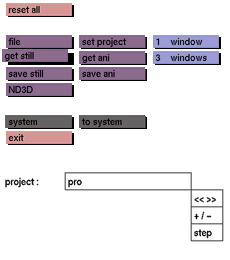
Click the get still button to activate it. The selection submenu will be displayed where you can make your selection.
Comments
Only files saved with save still can be retrieved. A still file consists of the complete model including attributes-, render-, pagesize-, grid- and camera window-settings. It does not include animation data. See save ani and get ani on how to store and retrieve files including animation data.
get still allows you to combine one saved still file with another. To do so, first access the solid construct menu and select group. Then select get still. The selected still file will then be grouped in the current environment.
A still file can be rendered using render still or the render manager.
See also
file, save still, get ani, save ani



