RenderManager
RenderManager destination buttons - columns 5 & 6
____________________________________________________________________________________

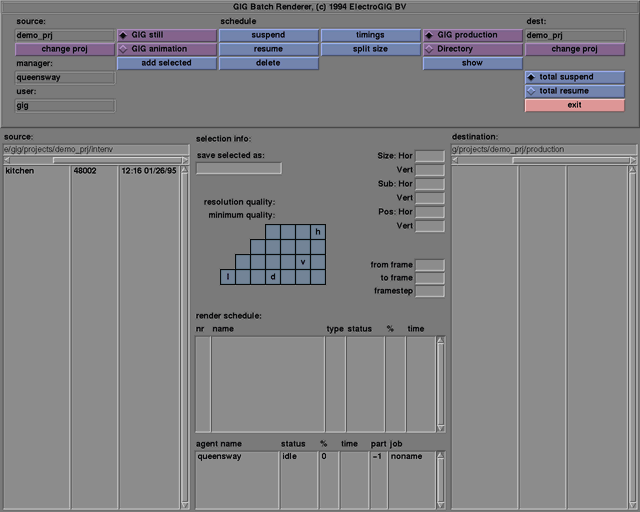
destination buttons- columns 5 & 6






____________________________________________________________________________________
RenderManager destination buttons - columns 5 & 6
Selects the default production directory of the rendered images for the destination project. The results are shown in the destination listbox.
After selecting directory the user may define the destination directory of the rendered images.
See destination listbox
A rendered tif image that is selected in the destination directory will be displayed after the show button is selected. Click on the image to remove it. It is possible to select more than one image in which case they will be displayed one after the other.
Is a label of the current destination project. The contents of the destination directory where the rendered images will be stored is shown in the destination listbox.
The change proj button displays a dialogue box with which the destination project might be changed. A new project can be selected by a left mouse click and a press to confirm. A new project might also be selected by a double click of the left mouse button. The name of the project name will be changed to the selected name and the destination listbox is updated.
When pressed all rendering processes by every agent will be suspended.
When pressed all suspended rendering processes by every agent will be resumed.
When pressed the RenderClient interface will be closed. However the rendering processes will continue.
____________________________________________________________________________________
Other RenderClient functions
