
____________________________________________________________________________________
____________________________________________________________________________________

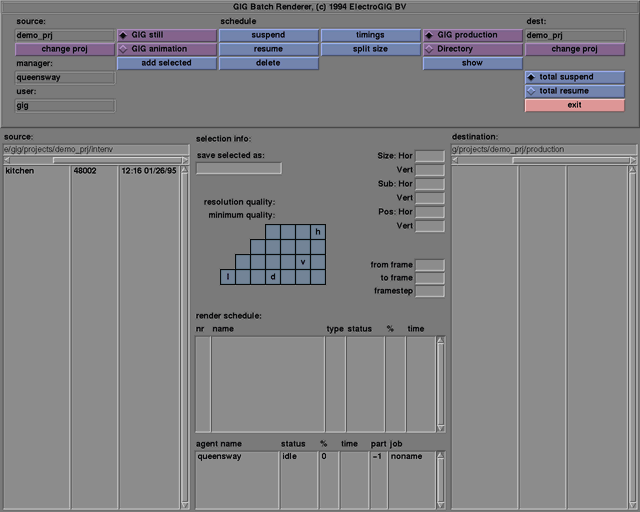
Pressing the timings button will change the info part. It will display a menu in which you can set a start time and end time for the RenderManager. The render jobs will be started and stopped at the specified times as if the user pressed the total resume and total suspend buttons. The repeat button will cause the timing settings to be repeated every day.
start
Selecting the start checkbutton initiates the rendering at the given time on the selected day.
stop
Selecting the stop checkbutton will cause the rendering to stop at the given time on the selected day.
repeat
Selecting the repeat checkbutton will cause the rendering to start and stop at the given times each day. The days selection buttons are disabled when the repeat option is on.

After receiving an animation or still, the RenderManager will split the job into smaller parts. These parts will be given to the RenderAgents one at a time until the whole job has been rendered. The size of these parts can be adjusted by the user with the function split size. The default for split size is 5 frames for animations and 100 lines for stills.





