

Usage
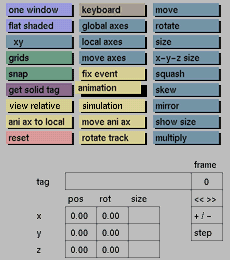
Click the animation toggle button to activate it. Click the button again to deactivate it.
Comments
When this toggle button is activated, GIG is in animation mode. All transformations done can now be fixed to a certain frame using fix event. When this toggle button is activated the view in the windows is the animated view of the frame number that is displayed in the frame input box in the status area. You can change the frame number by clicking the frame input box and entering the new frame number.
It is possible to switch at any time between animation and non animation mode.
Example: To scale the size by 2 for an already animated object, switch off animation mode, use scale and keyboard to scale the object by 2 and activate animation again. The object will now be 2 times larger for the complete duration of the animation (even when the size has been animated).
See also
edit on: Edit menu section.


